Now Available – version 3.9.5. See panel below right for summary - See CDIMSReadMe for details
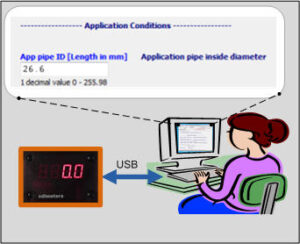
CDIMS gives owners of CDI flow meters (models 5200 and 5400, Rev. 3.0 and later) a simple way to view and set meter parameters such as Application Pipe Diameter and Application Pressure using a USB link between the meter and a PC. In addition the units of measure shown on the PC can be changed, so the user can choose, for example, temperature displays on the PC in Fahrenheit or Celsius.
A connecting cable can be purchased, and the PC software can be downloaded using the link below.
System requirements – Modern PC with spare USB port and Internet connection. Minimum screen resolution 1024 x 768 recommended.
Please look at the User Documents
Download the PC software here:
CDIMS Software (Downloads CDIMSInstall3_9_5.exe – run this program)
If you already have CDIMS installed, please note:
If you have a CDIMS version earlier than 2.4 please uninstall it first.
A new installation will overwrite the system default maps:
CDIMAP0.Map
CDIMAP5.Map
CDIMAP127.Map
If you have edited any of these, save with a new name before installing
CDIMS Version 3.9.5 Release:
- Support for multiple users on same machine
- Sample Map files installed in ProgramData. User copy and CDIMSUD.txt are set up during first run of program.
CDIMS Version 3.8 Release:
- CDIMSUD.txt moved from ProgramData to AppData\Roaming
CDIMS Version 3.7 Release:
- User can change the location of CDIMS User files
- Meter type -PSO added.
- Preview Map Function added
- Screen layout of main forms retained for next session
- Bug fixes
With CDIMS you can:
Connect to meter via COM port (USB)
Read / Write values in a meter
Read / Write values in a PC data file
Reset values to factory defaults
CDIMS can be used on flow
meter models 5200 and 5400,
Rev. 3.0 and later.